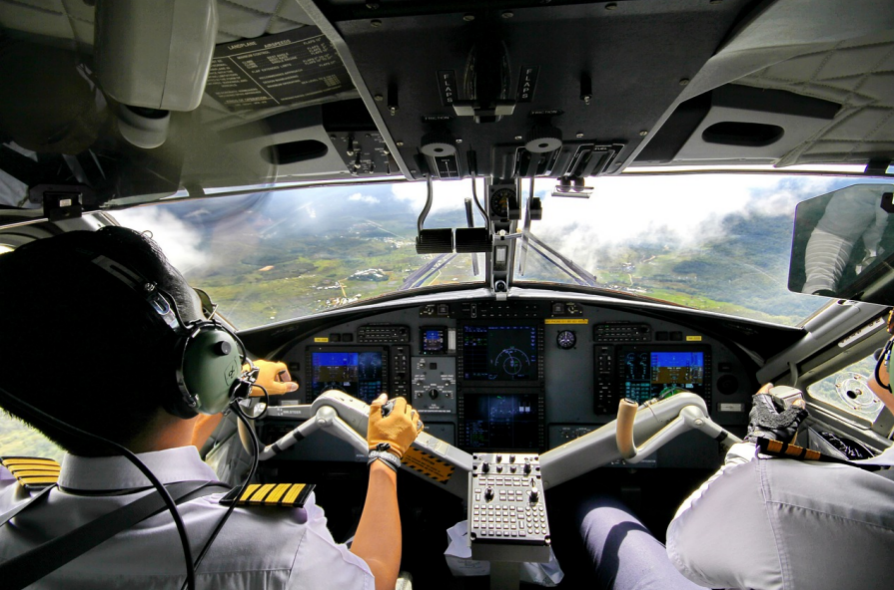
Precise control is the foundation of an immersive flight simulation experience. Whether flying a commercial airliner across the Atlantic or navigating a small aircraft through challenging weather conditions, the accuracy of your hardware settings defines how real the entire journey feels. Flight sim calibration is not just about fine-tuning knobs or adjusting axes; it is about aligning your gear to mirror real-world aviation responses. The difference between a frustrating session and a seamless virtual flight often comes down to how well your setup has been calibrated. Understanding the right way to calibrate your gear helps ensure better control, smoother performance, and overall satisfaction in every simulated flight.
Understand the importance of calibration
Calibration is the process of configuring your flight simulation hardware to respond correctly to your inputs. Without calibration, your yoke, rudder pedals, throttle quadrant, or joystick may react unpredictably or unrealistically. Even the most advanced flight gear will not perform at its best if calibration is overlooked. Precise inputs mean better realism, more accurate responses, and an improved learning curve, especially for users training for real-world aviation or looking to improve their piloting skills.
Start with your operating system settings
Begin by accessing your device’s control panel or system preferences to calibrate your flight controls. Most flight gear is automatically recognized by modern operating systems, but the default settings rarely offer optimal performance. Use the built-in calibration tools to center your yoke or joystick and ensure full-range input is detected. Make sure the device is not drifting, and the neutral position is correctly set. This step acts as a foundation before moving on to the software-level calibration in the simulator itself.
Calibrate within the simulator software
Once the hardware is aligned in the operating system, it is essential to fine-tune settings within your flight simulation platform. Whether you are using Microsoft Flight Simulator, X-Plane, or Prepar3D, each software provides detailed control configuration menus. Adjust the sensitivity curves, dead zones, and responsiveness of each axis. It is important to test each adjustment by taking a short flight to evaluate the realism of the controls. You may find that small tweaks lead to noticeable improvements in how the aircraft handles during takeoff, in-flight maneuvers, and landing.
Optimize specific flight controls
Each flight control component plays a different role. Throttle responsiveness, rudder alignment, brake sensitivity, and elevator control all require separate attention. High-quality simulation accessories like the GNS 530 require not only physical placement within your cockpit layout but also proper software mapping to simulate avionics usage accurately. Carefully assign functions to each switch or button, and cross-check that all responses are consistent and smooth. Keeping your calibration settings updated as you upgrade or modify components is vital to maintaining system performance.
Maintain and revisit your calibration settings
Calibration is not a one-time task. Over time, software updates, hardware wear, and changes to your flight simulator setup may affect how your gear responds. Schedule regular checks to ensure all equipment remains properly aligned. Back up your configuration profiles, especially if you use third-party add-ons or plugins. Re-calibrating after each major update or hardware change can save hours of troubleshooting and elevate your overall experience.
Final thoughts
Flight sim calibration requires patience, precision, and attention to detail. It is a critical step that transforms your simulator from a basic setup into a powerful training or entertainment tool. By understanding and applying accurate calibration techniques, you can unlock the full potential of your flight gear and take your simulation experience to a professional level.