Virtual Meeting Etiquette: Your Complete Guide
Remote work has transformed how we connect professionally. Virtual meetings have become the backbone of business communication, replacing conference rooms with computer screens and handshakes with muted microphones. Yet many professionals still struggle with the nuances of online meeting etiquette.
Mastering virtual meeting etiquette isn’t just about knowing when to mute yourself. It’s about creating meaningful connections, maintaining professionalism, and ensuring productive collaboration across digital spaces. Whether you’re leading your first video conference or looking to polish your remote meeting skills, this comprehensive guide will help you navigate every aspect of virtual communication with confidence.
The stakes are higher than you might think. Poor virtual meeting etiquette can damage professional relationships, reduce team productivity, and even impact career advancement. On the flip side, excellent online communication skills can set you apart as a leader and collaborator in our increasingly digital workplace.
Pre-Meeting Preparation: Setting Yourself Up for Success
Test Your Technology Before You Need It
Nothing derails a professional virtual meeting etiquette faster than technical difficulties. Audio feedback, pixelated video, or connectivity issues can make you appear unprepared and unprofessional. Take time to test your equipment well before your scheduled meeting.
Start with your microphone and speakers. Make a test call using your meeting platform’s built-in testing features. Listen for background noise, echo, or distortion. If you’re using a laptop’s built-in microphone, consider investing in a USB headset for clearer audio quality.
Check your camera positioning and video quality. Avoid unflattering angles by positioning your device so the camera captures you from your shoulders up. Test your video in different lighting conditions to ensure you’re clearly visible.
Run an internet speed test to verify your connection can handle video conferencing. Most platforms require at least 1-2 Mbps for video calls, but higher speeds provide better quality and reliability. If your connection seems weak, consider moving closer to your router or using an Ethernet cable for a more stable connection.
Choose the Right Virtual meeting Etiquette Software
Different meetings require different tools. For one-on-one client conversations, a simple platform like Zoom or Microsoft Teams might suffice. For larger presentations or webinars, you might need more robust features like screen sharing, breakout rooms, or recording capabilities.
Know how to share your screen, use the chat function, mute and unmute participants, and access recording options. This preparation helps you facilitate smooth meetings without fumbling through unfamiliar controls.
Create Clear Virtual Meeting Etiquette Goals and Agendas
Virtual meetings can easily lose focus without clear direction. Prepare a detailed agenda outlining the meeting’s objectives, topics to cover, and desired outcomes. Share this agenda with participants at least 24 hours in advance, allowing them to prepare questions and contributions.
Include estimated time allocations for each agenda item to keep discussions on track. This structure is particularly important for virtual meetings, where it’s easier for conversations to drift off-topic or for participants to mentally check out.
Read More: Quizizz

During the Meeting: Mastering Virtual Meeting Etiquette Presence
Professional Appearance and Dress Code
Your appearance in virtual meetings should match your workplace standards. This practice helps maintain a professional mindset and prepares you for any unexpected moments when you might need to stand up.
Choose clothing colors that look good on camera. Neutral tones like blues, greens, and soft grays work well, while bright whites, deep blacks, or busy patterns can cause visual distractions or technical issues with your camera’s auto-adjustment features.
Pay attention to grooming details that are more noticeable on camera. Ensure your hair is neat, and consider how lighting affects your appearance. Good lighting can make you appear more alert and professional, while poor lighting can create shadows or make it difficult to see clearly.
Timing and Punctuality
Arrive early to virtual meetings, just as you would for in-person appointments. Aim to join the meeting 2-3 minutes before the scheduled start time.
Use this early arrival time productively. This preparation demonstrates professionalism and enables you to contribute more effectively once the meeting begins.
Managing Your Audio Effectively
The golden rule of virtual meeting etiquette is simple: mute your microphone when you’re not speaking. Background noise that seems minimal in person becomes amplified and distracting in virtual settings.
Learn your platform’s mute/unmute shortcuts to quickly toggle your audio without disrupting the conversation flow. Most platforms use the spacebar as a “push to talk” feature, allowing you to unmute while holding the key down temporarily.
When you do speak, project your voice clearly without shouting. Speak at a slightly slower pace than you would in person, as audio can sometimes lag or compress during transmission. Pause between thoughts to allow for potential delays in the connection.
Maintaining Focus and Avoiding Distractions
Virtual meetings make multitasking tempting, but it’s counterproductive and disrespectful. Close unnecessary applications, put your phone away, and resist the urge to check email or browse the internet during discussions.
Create a dedicated workspace free from distractions. Inform family members or roommates about your meeting schedule to minimize interruptions. If you’re working from home, consider using a “do not disturb” sign on your door.
Position yourself away from high-traffic areas in your home or office. Background movement, even if subtle, can be distracting to other participants and make you appear less engaged in the conversation.
Read More: Gem Team
Using Chat Functions Strategically
The chat feature in virtual meetings serves multiple purposes beyond casual conversation. Use it to ask clarifying questions without interrupting the speaker, share relevant links or resources, or provide additional context to your verbal contributions.
Keep chat messages professional and on-topic. Avoid side conversations that don’t relate to the meeting’s objectives, as these can be distracting to other participants who receive chat notifications.
Remember that chat messages are often saved with meeting recordings or can be exported for later reference. Write your messages with the same professionalism you’d use in email communication.
Body Language and Nonverbal Communication
Your body language remains important in virtual settings, even though participants can only see a portion of your body. Maintain good posture, make eye contact by looking at your camera (not your screen), and use natural hand gestures within your camera’s frame.
Facial expressions become more important in virtual meetings since they’re one of the few nonverbal cues visible to other participants. Nod to show engagement, smile appropriately, and avoid expressions that might be misinterpreted due to video compression or lighting issues.
Be mindful of nervous habits that become more noticeable on camera. Pen clicking, excessive fidgeting, or repetitive movements can be distracting when magnified on screen.

Creating the Perfect Virtual Meeting Etiquette Environment
Background and Lighting Considerations
Your background should be clean, professional, and non-distracting. Avoid areas where people might walk behind you or where personal items might create distractions.
Natural lighting works best for video calls. Position yourself facing a window or natural light source, but avoid having bright light directly behind you, which can create silhouette effects. If natural light isn’t available, invest in a simple ring light or desk lamp to illuminate your face evenly.
Many platforms offer virtual background features, but use them judiciously. Virtual backgrounds can sometimes glitch or create processing delays, especially on older computers.
Minimizing Environmental Distractions
Take control of your environment before important meetings. Close doors to reduce hallway noise, turn off televisions or radios, and silence notification sounds from your devices. These small steps prevent embarrassing interruptions and help maintain virtual meeting etiquette and professionalism.
If you live with others, communicate your meeting schedule and ask for their cooperation in keeping noise levels down during your scheduled calls. Consider investing in noise-cancelling headphones or a quality headset to further minimize audio distractions.
Be prepared for unexpected interruptions. Have a plan for handling situations like package deliveries, emergency calls, or family members who need immediate attention. A simple “Excuse me for one moment” while you mute your audio and turn off your video can help you handle these situations gracefully.
Managing Family and Household Interruptions
Working from home presents unique challenges for maintaining professional boundaries during virtual meetings. Set clear expectations with family members, roommates, or anyone else who shares your space.
Create visual signals that indicate when you’re in important meetings. A closed door, a specific room setup, or even a simple sign can help others understand when not to interrupt. For households with children, consider scheduling meetings during nap times or arranging childcare coverage for important calls.
Have backup plans for childcare emergencies. Most meeting participants understand that home-based work comes with occasional challenges, but having a professional response ready helps maintain your credibility.
Communication Excellence in Virtual Settings
Speaking Clearly and Effectively
Avoid speaking over others, which is more common in virtual settings due to audio delays. Wait for clear pauses before jumping into the conversation, and don’t be afraid to say “I think [name] was about to speak” if you accidentally interrupt someone.
Project your voice without shouting. Good microphone technique involves speaking directly toward your microphone at a consistent distance. If you’re using your computer’s built-in microphone, this means speaking toward your screen at a normal volume.
Eye Contact and Camera Interaction
Making “eye contact” in virtual meetings requires looking at your camera, not at the faces on your screen. This technique takes practice but creates the impression of direct eye contact for other participants.
Some people find it helpful to imagine they’re speaking directly to the camera as if it were a person.
Don’t stare at your own image on screen, which can be distracting and make you appear self-conscious. Most platforms allow you to hide your self-view if it becomes too distracting during meetings.
Managing Interruptions and Speaking Turns
Use phrases like “I’d like to add something when you’re finished” to signal your desire to speak without interrupting the current speaker.
Learn to use your platform’s hand-raising feature effectively. This tool helps meeting facilitators manage speaking turns and ensures everyone gets a chance to contribute to the discussion.
Practice active listening techniques that work in virtual environments. Verbal acknowledgments like “That’s a great point” or “I agree with that approach” help other participants know you’re engaged when your visual cues might not be as clear as they would be in person.
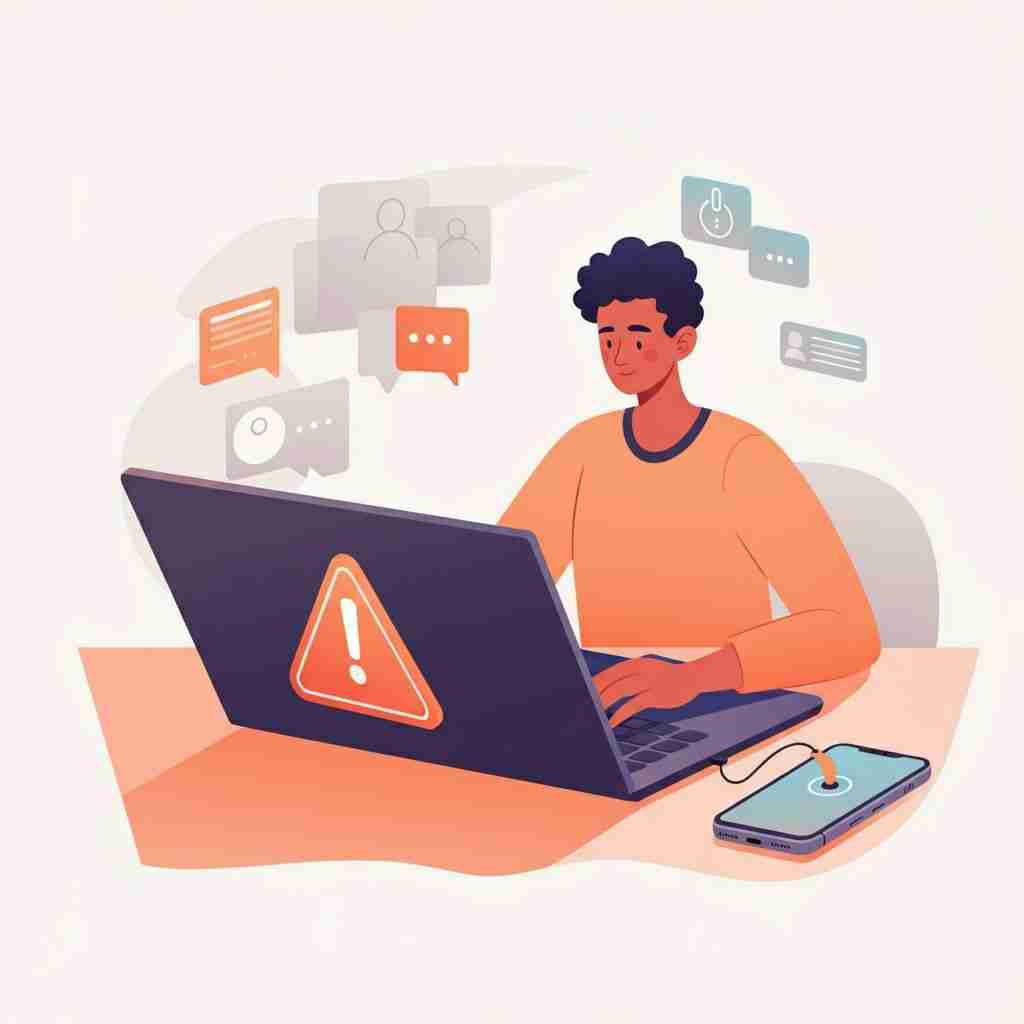
Technical Troubleshooting and Problem Resolution
Common Audio and Video Issues
Audio problems are among the most common technical challenges in virtual meetings. Echo typically occurs when someone isn’t using headphones and their microphone picks up sound from their speakers. The solution is usually for all participants to use headphones or for the person causing the echo to mute their microphone when not speaking.
Choppy or delayed audio often indicates bandwidth issues. If this happens to you, try turning off your video temporarily to reduce the data load on your connection. You can also close other applications that might be using internet bandwidth in the background.
Video issues like frozen screens or pixelated images usually stem from internet connectivity problems. If your video becomes problematic during an important meeting, inform other participants that you’re experiencing technical difficulties and may need to participate by audio only.
Internet Connectivity Solutions
Your smartphone’s hotspot feature can serve as an emergency internet source if your primary connection fails. Test this backup option before you need it to ensure adequate speed and data allowances.
Know how to adjust your platform’s video and audio quality settings. Most applications allow you to reduce video resolution or disable video entirely to preserve bandwidth for audio quality during connection difficulties.
Consider the time of day and your household’s internet usage when scheduling important virtual meetings. Peak usage times or multiple family members streaming videos can impact your connection quality.
Backup Communication Plans
Always have a phone number available for important meetings in case your internet connection fails. Many virtual meeting etiquette platforms provide dial-in numbers that allow you to participate by phone as a backup option.
Prepare key documents or information in multiple formats. If screen sharing becomes impossible, you should be able to describe important information verbally or send it via email as an alternative.
Let them know how you’ll reconnect if technical issues arise, and establish protocols for continuing the virtual meeting etiquette if the host experiences difficulties.
Advanced Virtual Meeting Etiquette
Managing Large Group Discussions
Large virtual meetings require more structured facilitation than smaller groups. Establish clear guidelines for participation, such as using the chat function for questions or implementing a formal hand-raising system for speaking turns.
Consider using breakout rooms for larger meetings that require small group discussions. These features allow for more intimate conversations within larger meetings and can increase overall engagement and participation.