

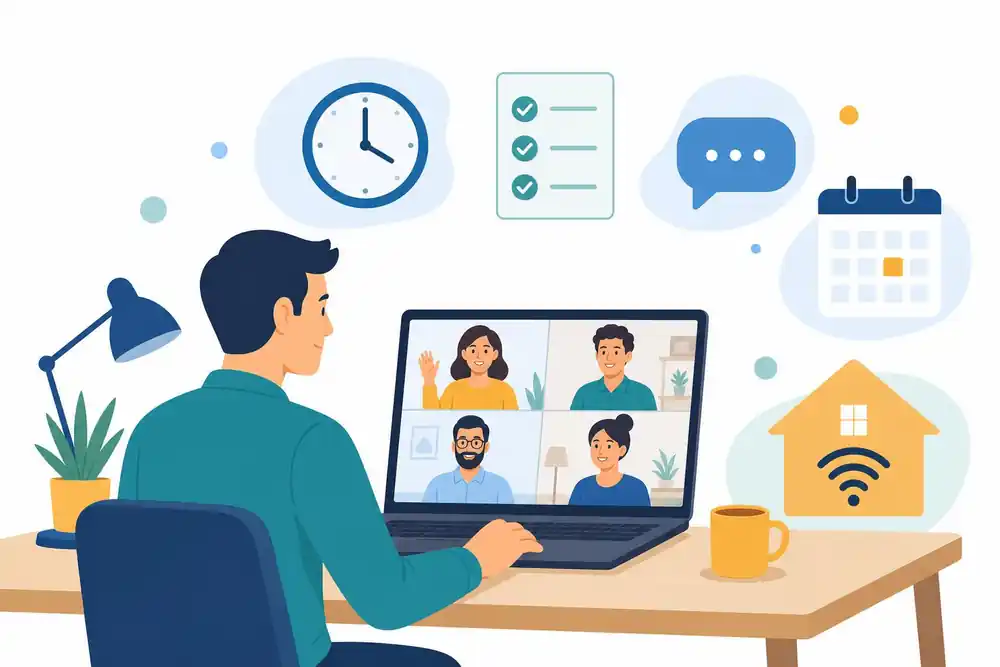

Remote teams rarely fail because of the software. They fail because nobody agreed what ‘good work’ looks like when no one is watching. Managers either hover over every task or disappear for days. Both habits cost output. Here is a plain operating model for a small or growing UK business.
In this article, we’re going to discuss how to:
- Set clear outputs instead of tracking hours
- Build a communication rhythm that people can keep up
- Meet your legal duties to staff who work from home
How to Manage a Remote Team Starting With Outputs
If you want to know how to manage a remote team, begin by defining what each role must produce each week. A sales rep owns qualified calls booked. A designer owns approved drafts delivered. A finance assistant owns invoices chased and reconciled. Hours online tell you very little about any of these.
Write the outputs down in one page per role and agree them in a short conversation. Review them weekly in the first month, then fortnightly once the pattern is stable. When someone misses an output twice, the conversation is about the blocker, not about attendance.
Acas, the UK conflict and employment advice body, says employers should open a discussion early about what remote and hybrid working will look like and make sure employees know how they will engage with their line managers and colleagues. Treat that as a minimum. Put the agreement in writing before the first week starts.
Build a Communication Rhythm That Holds Up
Good advice on how to manage a remote team always returns to communication. Most remote teams over-communicate in volume and under-communicate in clarity. Pick three channels and give each one a job. Use chat for quick questions, email for decisions that need a record and a project board for task status. Anything else is noise.
A workable rhythm for a team of five to fifteen looks like this:
- A 15-minute check-in on Monday covering priorities and blockers
- A written update on Thursday from each person, three lines long
- A 30-minute one-to-one every fortnight with each direct report
Keep camera-on meetings short and give them an agenda. If a meeting has no decision to make, replace it with a written update.
Onboard and Include Remote Staff Properly
New starters lose the most when nobody is physically present to answer small questions. A structured first month helps, and our employee onboarding checklist covers the steps to include.
Acas also warns that ‘out of sight should obviously not mean out of mind’. It cites a CMI survey in which over half of managers expected remote working to reduce progression opportunities for women, disabled people and those from diverse ethnic backgrounds. Counter this by tracking promotions, stretch projects and training places by working pattern. If remote staff are missing out, you will see it in the numbers.
Know Your Legal Duties to Home Workers
Managing people at home does not remove your health and safety responsibilities. The HSE says the display screen equipment regulations can apply to people who work at home permanently, long term or split time between home and the workplace. They apply to workers who use display screen equipment daily for continuous periods of an hour or more.
Where the regulations apply, you should carry out a DSE assessment for each worker. Workers can self-assess if they have suitable training. You cannot charge workers for DSE equipment that your assessment requires. Review arrangements when something significant changes or when someone reports aches, pains or discomfort.
Also plan work so people get breaks or changes of activity. This sits alongside any contractual terms on equipment, expenses and flexible working requests, so check your own contracts and take advice where unsure.
Train the Managers Too
Acas refers to a survey finding that about two-thirds of managers had not been trained to manage remote staff. Most small businesses promote their best individual contributor and hope for the best. Run a half-day session for managers on written briefs, feedback by video, and spotting early signs of overload. If you are learning how to manage a remote team for the first time, this is the cheapest fix available.
For wider guidance on running a growing business, see our entrepreneurship guides. Lean teams build these habits early, as bootstrapped founder habits show.
Conclusion
How to manage a remote team comes down to clear outputs, a fixed communication rhythm and legal duties met without fuss. The tools matter far less than the agreements behind them. Start small, write things down and review monthly.
- Define weekly outputs for every role and drop hour counting
- Limit channels to three and give each a clear job
- Complete DSE assessments and train every manager who leads remote staff
FAQs on Managing a Remote Team
How often should I hold one-to-ones with remote staff?
Every fortnight works for most teams, and weekly suits new starters or people struggling with workload. Keep each session to 30 minutes with a written note of actions.
Do I need to monitor remote employees with software?
Not as a starting point, because clear outputs show performance better than activity tracking. If you do monitor, tell staff first and take legal advice on data protection.
Am I responsible for a home worker’s desk setup?
Where DSE regulations apply, you should assess the workstation and cannot charge the worker for equipment the assessment requires. Check HSE guidance for the detail.
What is the biggest mistake new remote managers make?
They manage by visibility and not by results. That leads to long meetings, constant check-ins and resentful staff.
Sources Consulted
- HSE: Working with display screen equipment at home
- Acas: Hybrid working: a passing fad or here to stay?
Disclaimer: This article is for information only and does not constitute legal, HR or health and safety advice. Check current official guidance or take professional advice for your circumstances.