

1. A Real-World Scenario
An employee’s Microsoft 365 licence is removed, and only the OST file remains on the laptop. Outlook will no longer open it. The emails are still stored in the file, but accessing them becomes a challenge.
This is exactly the problem the Online OST to PST tool is designed to solve, making it easy for users to access and convert their OST file data with minimal effort.
2. Why OST Files Are Difficult
- An OST file is an offline copy of a mailbox, tied to one Outlook profile and account.
- If the profile is deleted or the account is removed, Outlook cannot open the file.
- A PST file has no such link, so any copy of Outlook can open it.
That is why OST to PST conversion becomes necessary.
3. What the Online Tool Is
- Browser-based
- No installation
- No Outlook or Exchange connection needed
- Supports Outlook 2021, 2019, 2016, and earlier versions.
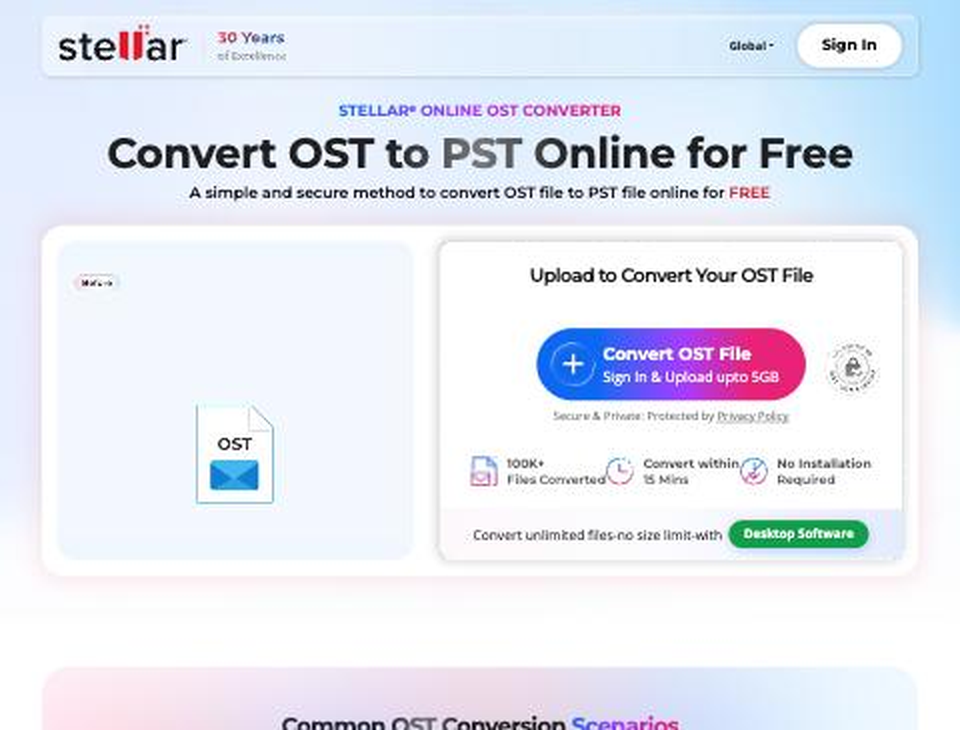
The Stellar Online OST Converter landing page
Best Use Cases
- Small OST files
- One-file conversion
- Non-technical users
4. How It Works: Our Test
Sign in: Create a free account with Google or email in a few seconds. Your files and plan usage then sit in one place.
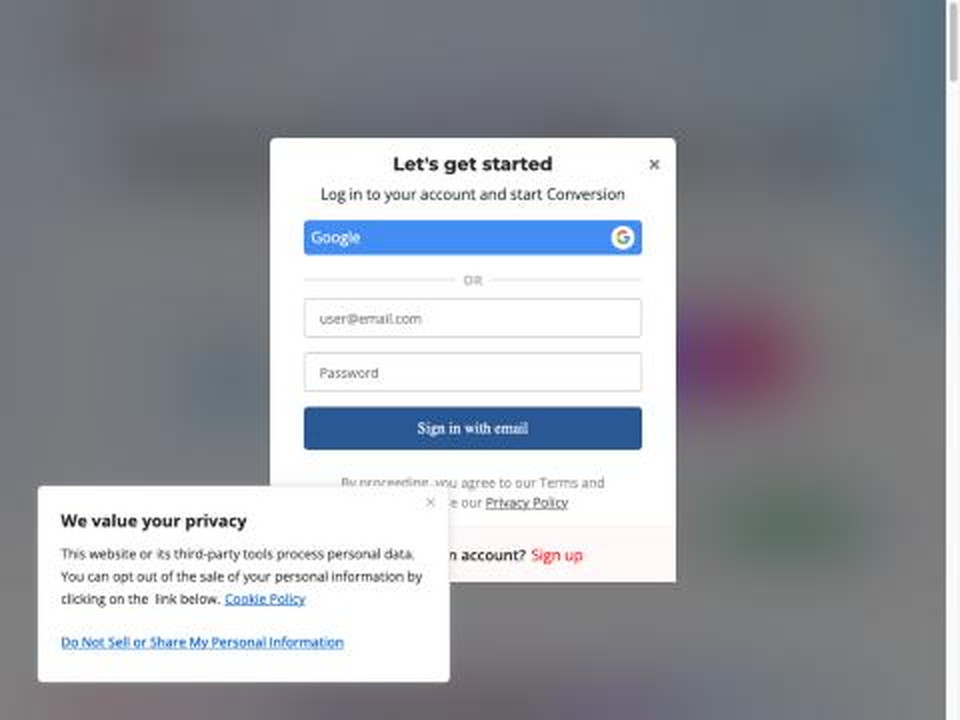
Sign-in is required before any upload
Upload: Click Convert OST File and choose the file. The tool checks it straight away and rejects files that are not OST files, so mistakes are caught early.
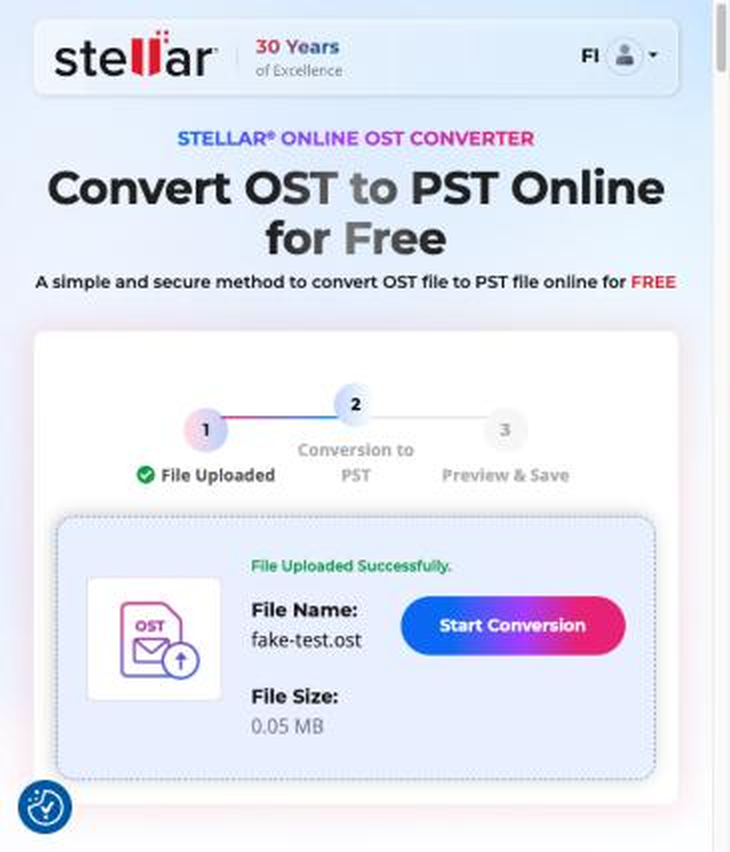
File uploaded and ready to convert
Conversion: Click Start Conversion. A three-step tracker (File Uploaded, Conversion to PST, Preview & Save) shows progress as a percentage.
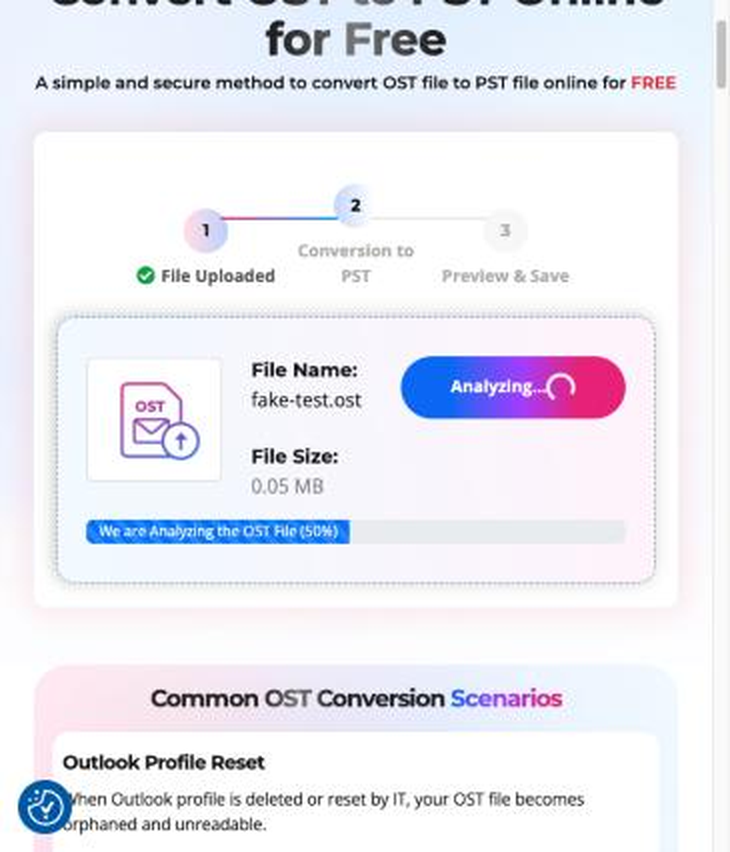
The tool analysing the OST file
5. Features That Matter
Feature 1: Simple Three-Step Flow
Why it matters: upload, convert, save. Anyone can use it without technical knowledge.
Feature 2: Preview Before Download
Why it matters: Stellar states that files under 100 MB can be previewed in the browser, so you can check your mailbox folders and item counts before saving the PST.
Feature 3: Account Dashboard
Why it matters: plan usage, recent files and purchase history are all in one clear view.
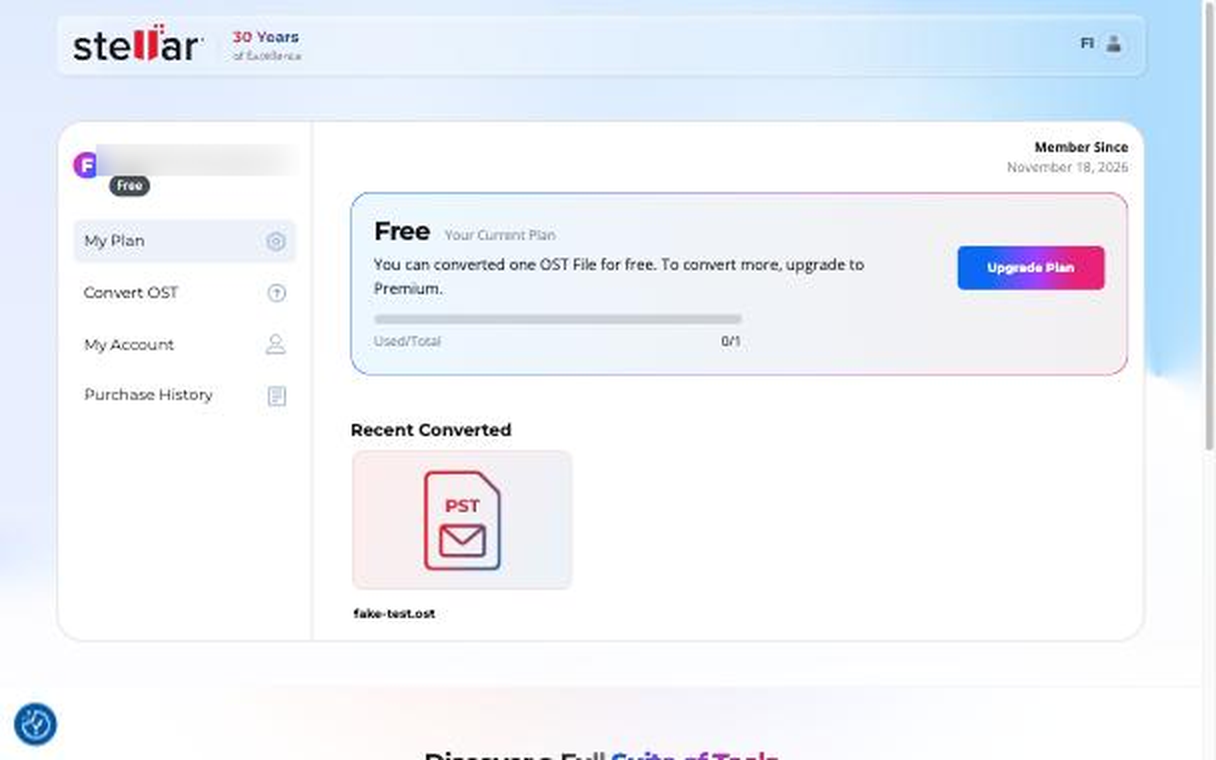
The account dashboard showing plan usage
Feature 4: Automatic File Deletion
Why it matters: Stellar states that uploaded files are deleted automatically once the download window closes, which is good for privacy.
6. Pricing
| Plan | Price | File size | Download window |
| Online Free | $0 | Under 100 MB | 24 hours |
| Online Premium | $39.99 per file | Up to 5 GB | 48 hours |
| Desktop Corporate | $79 (5 files) | No limit | Saved locally |
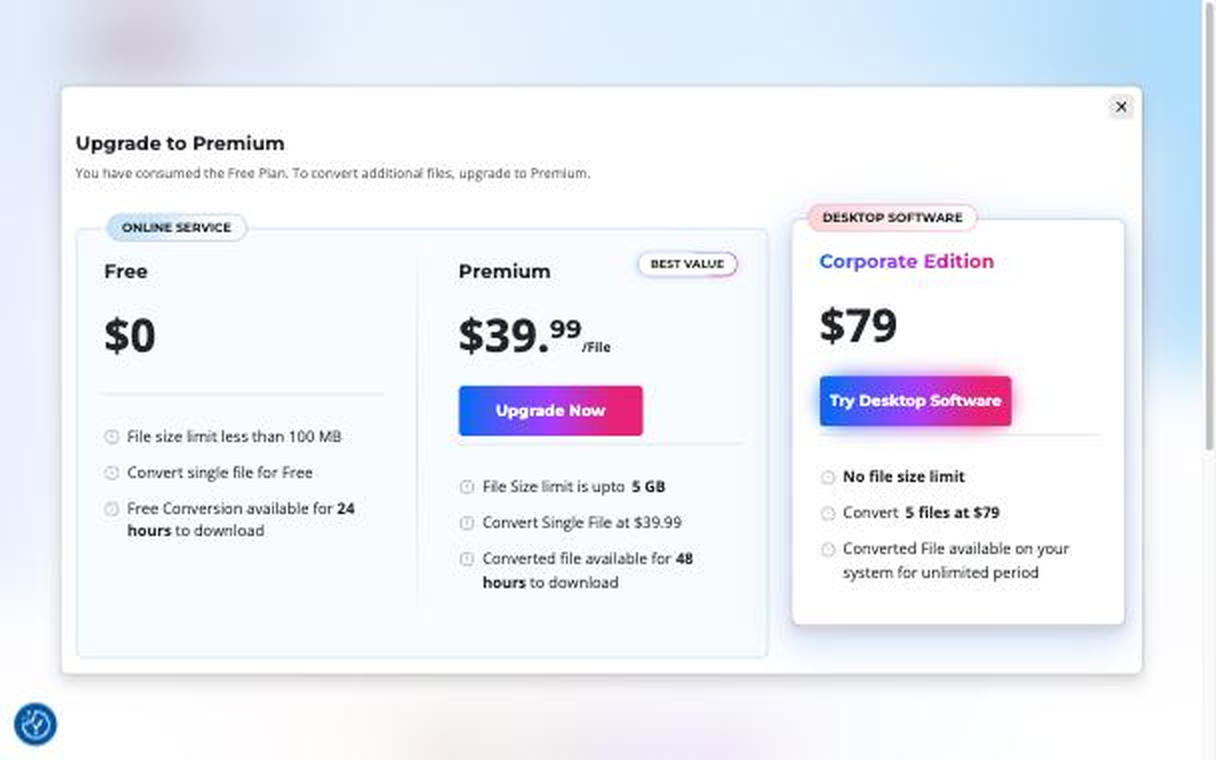
Plan options shown inside the dashboard
7. Limitations to Know
- The free plan covers files under 100 MB. Larger files need Premium, which handles up to 5 GB.
- An account is needed before you can upload.
- Error messages could give more detail when a file cannot be converted.
Desktop Tool- Stellar Converter for OST
Stellar Converter for OST provides a reliable way to retrieve mailbox data. Whether the original Microsoft 365 account is unavailable, the Exchange Server connection is discontinued, or the OST file has become inaccessible, the software helps users regain access to their mailbox data without depending on the original Outlook profile or Exchange account.
The software scans the OST file and displays its contents in a preview, allowing users to verify emails and other mailbox items before exporting them. Users can recover and save emails, attachments, contacts, calendars, tasks, and other mailbox data into PST and other supported formats.
Unlike an online conversion tool, the desktop version is designed for larger OST files and offers additional options to search, filter, preview, and selectively export mailbox data. This makes it particularly useful for IT administrators and professionals handling important business mailbox data.
Key benefits:
- Convert inaccessible and orphaned OST files.
- Preview mailbox items before saving.
- Search and filter emails for selective export.
- Convert emails, attachments, contacts, calendars, and other mailbox items.
- Handle large OST files without the online tool’s upload-size limitations.
- Export mailbox data into PST and other supported formats.
In short: Stellar Converter for OST desktop software is suitable when users need more control over OST file conversion, selective export, and conversion of large OST files.
8. Verdict
Who Should Use the Online Tool?
- Home users
- One-time conversions
- Small, non-sensitive OST files
Who Should Use the Desktop Tool?
- IT administrators and MSPs
- Large or multiple mailboxes
- Company or sensitive email
The Online OST Converter is a quick and simple way to turn an OST file into a usable PST without installing anything. For one-off and smaller jobs it is a strong choice, and the desktop edition Stellar Converter for OST is ready when you need more power for large or multiple mailboxes.